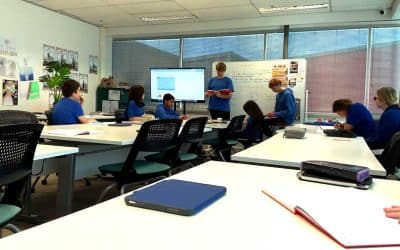
Thinking Before We Click
Over the past couple of weeks, students in Digital Fluency have been exploring the idea of a digital footprint. They’ve looked at how it’s created, what it reveals, and how it shapes the way others see us online.
Using iPads and the Freeform app, students worked in small groups to map out the many ways we leave digital traces, from search history and social media to shared images and app use. These lessons sparked some thoughtful conversations around identity, privacy, and the long-term impact of what we post.
By learning how to manage their online presence more consciously, students are developing the awareness they need to be thoughtful, responsible digital citizens.

Year 9 Digital Fluency: Vibe Coding With Real Developer Tools
Every Year 9 Digital Fluency student now works in Visual Studio Code and GitHub, using AI to design, test and improve their own games and apps.
Year 10 Design and Technology: From Sketch to Screen
Students are learning Canva and SketchUp alongside hand-sketching fundamentals. The focus spans product design, graphic design, and architecture, from pencil to digital prototype.
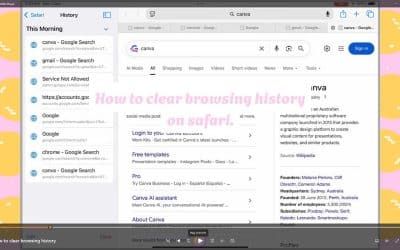
Digital Fluency Students Become Video Tutorial Creators
Students became digital instructors, creating clear, engaging video guides on responsible use of shared devices.
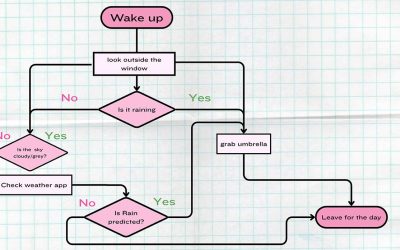
Logic, Planning, and Critical Thinking
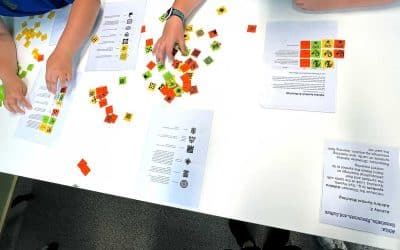
Students designed timetables, explored algorithms, and learned to spot misinformation using Canva.
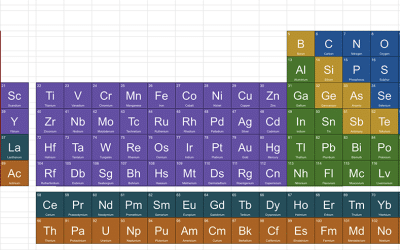
From Elements to Websites
Students mapped the periodic table in Google Sheets, then built personal sites to showcase work across core and creative subjects.
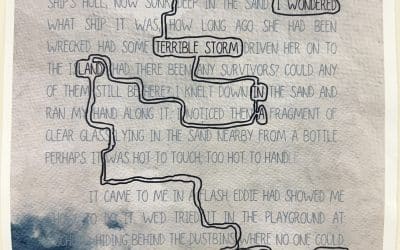
Digital Fluency | Student Websites and Blackout Poetry
Students planned, designed and published simple websites. They then turned texts into visual poems in a Blackout Poetry project with English.
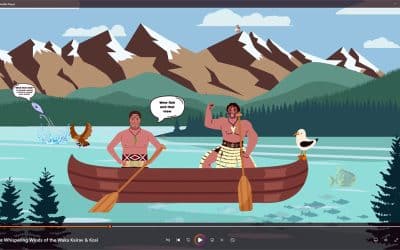
Animating Stories and Building Digital Fluency
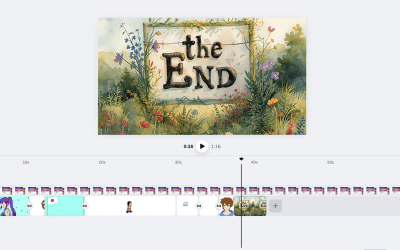
Students have been using Canva to create animated stories, developing skills in design, collaboration, and digital citizenship.

Practical Application with Google Workspace
Students harness Google Slides and Sheets to build real‑world projects: creating house slideshows and managing term‑timetable data to grow digital fluency.